Request Prescribing Access in VetWay (click to view Supademo)
Request Permissions to Prescribe
The Prescribing Access Requests window allows users to request prescribing privileges from Veterinarians associated with their practices.
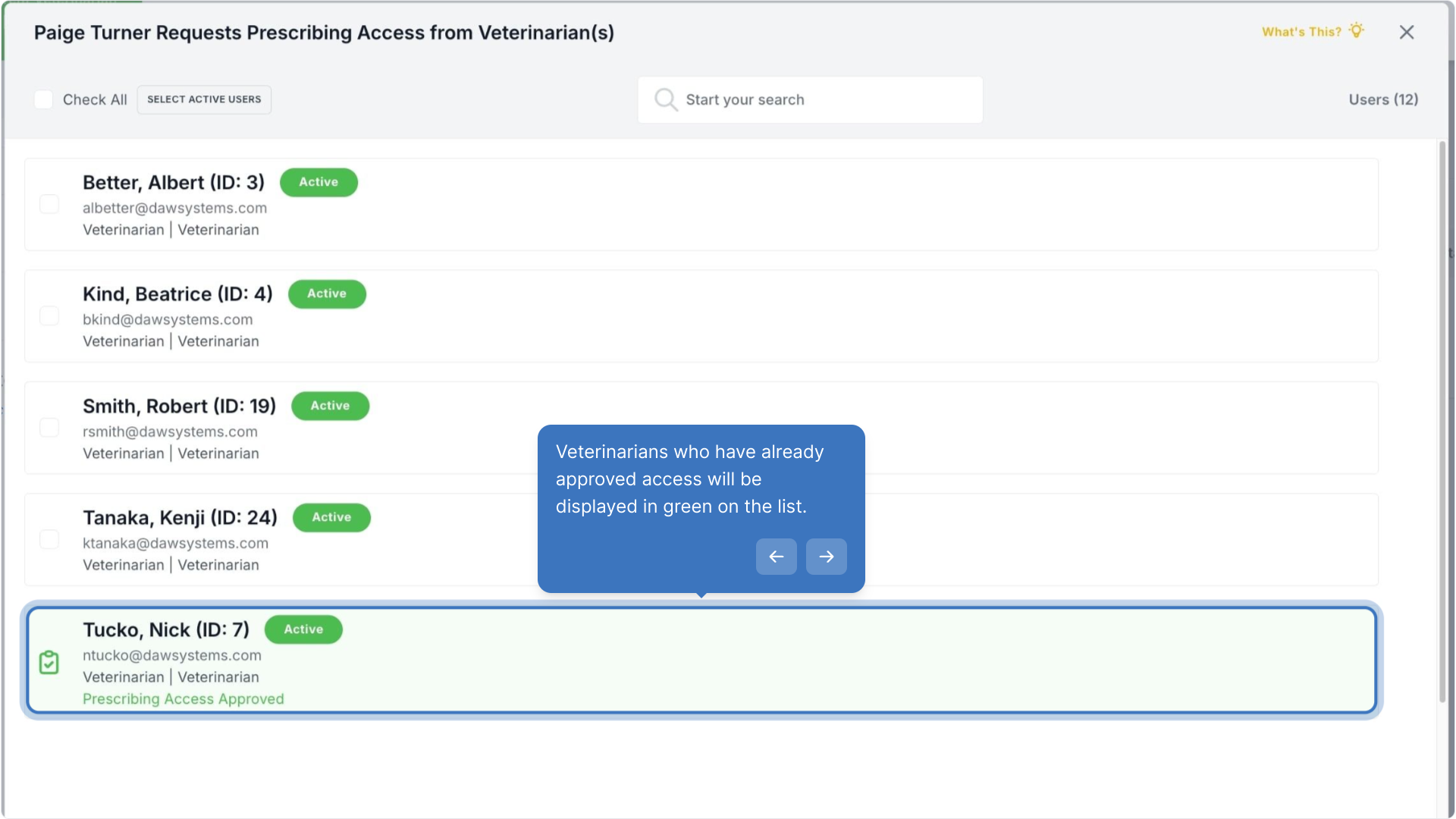
Veterinarians who have already approved access will be displayed in green on the list.
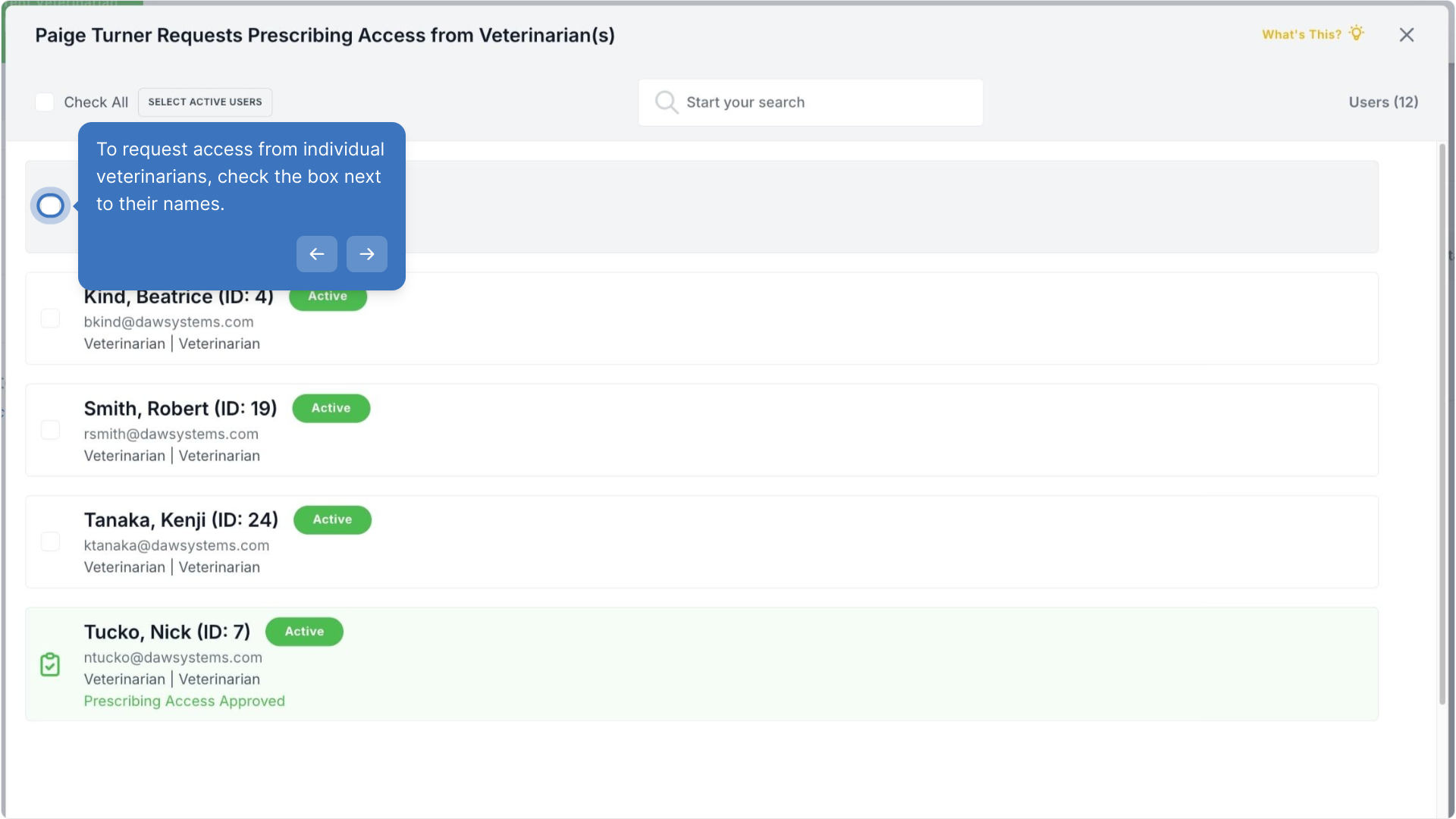
To request access from individual veterinarians, check the box next to their names.
All active veterinarians can be selected by clicking Select Active Users.
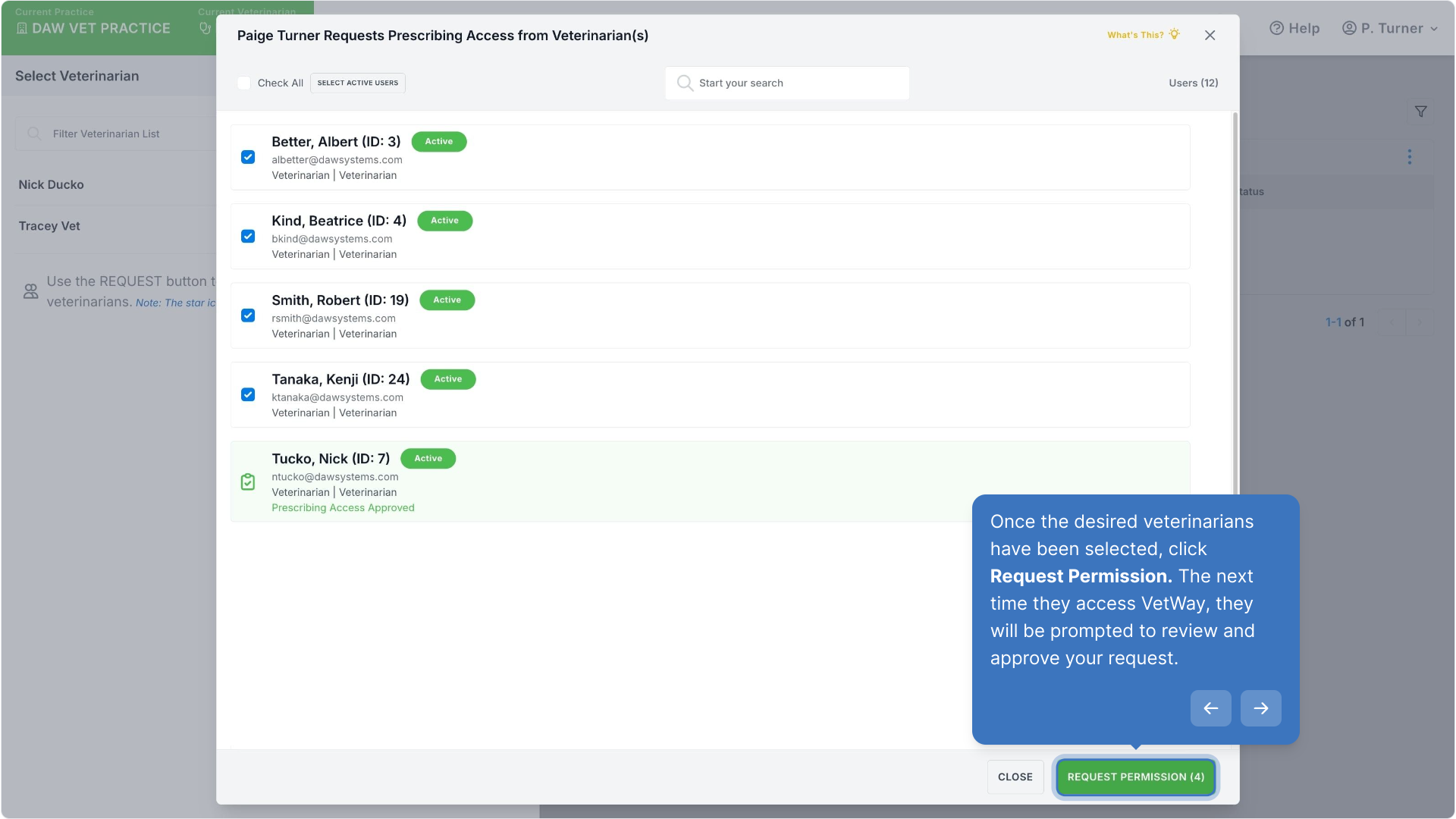
Once the desired veterinarians have been selected, click Request Permission. The next time they access VetWay, they will be prompted to review and approve your request.
Walk-through Demo
Explore the steps by clicking through the demo below!
Was this article helpful?
That’s Great!
Thank you for your feedback
Sorry! We couldn't be helpful
Thank you for your feedback
Feedback sent
We appreciate your effort and will try to fix the article